Low FPS even while paused? Compare a lower graphics preset or resolution in the same scene. A save-loading crash? Follow the mod/save guide instead. For driver problems, check current official notices before making changes.
Jump to a section
Check these in order
Tick each check as you go. Ticks reset when you reload.
A busy station looks choppy even while paused
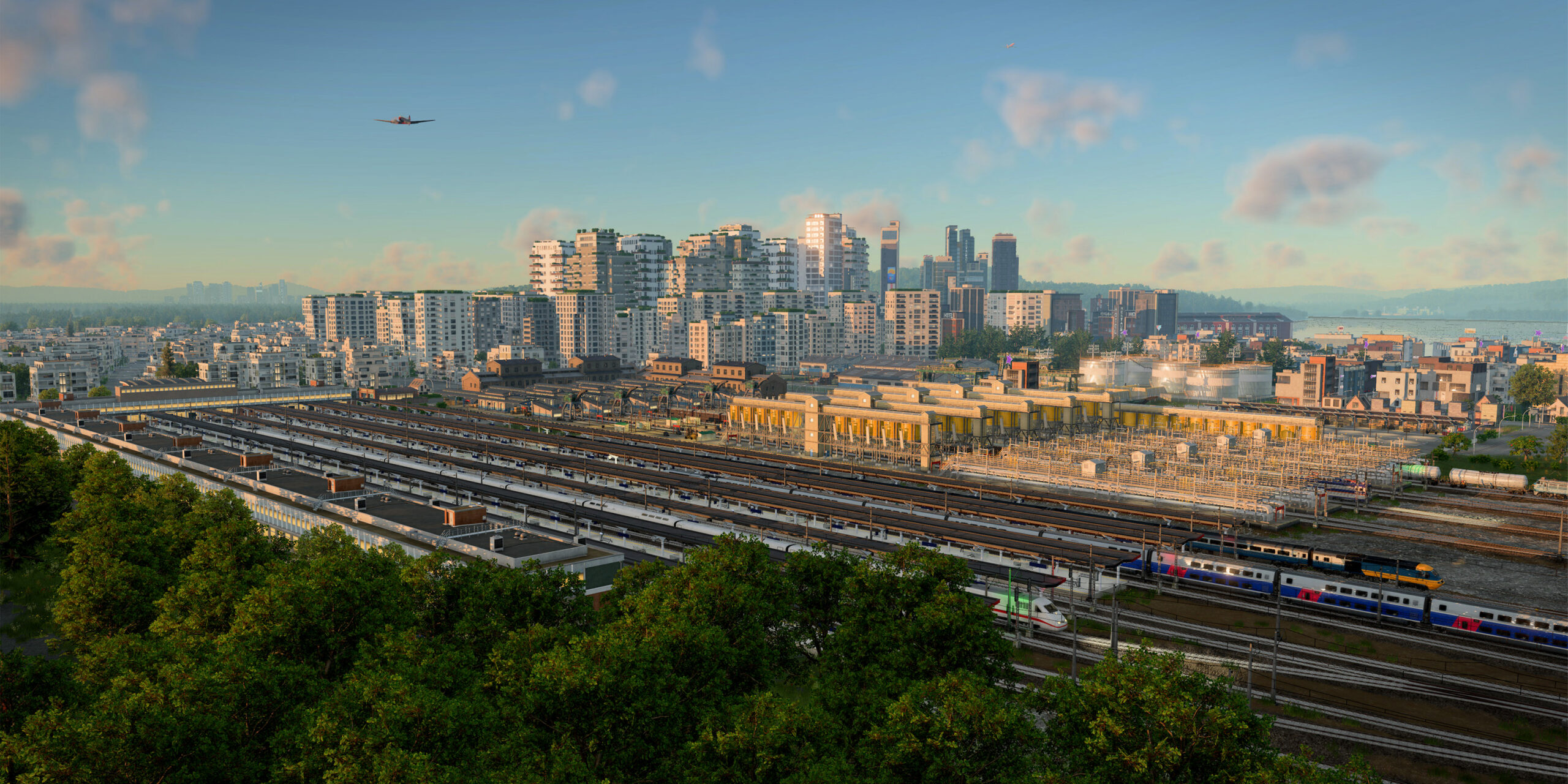
The situation. Suppose the same busy-station view has low FPS while the simulation is paused.
Make test A repeatable
Use the same save, camera, zoom and paused state. Write down the resolution and graphics settings.
Run test B
Change one graphics setting, then inspect the identical view. Record your measured FPS using the same measurement method; do not invent a result.
Repeat and decide
Return to the original setting and compare again. Keep a change only if the difference repeats and the visual trade-off is acceptable.
What would count as a useful result?
A repeatable improvement helps you choose settings for that scene. It is not a universal FPS claim or a diagnosis of every slowdown.
Evidence to keep: Capture the settings and the same scene for both runs. We have not run a benchmark or verified matching settings screenshots.
Try a controlled graphics comparison
For low frame rate even while paused, official support suggests reducing the graphics preset, resolution scale or display resolution. Test one adjustment at a time in the same scene. Keep the result only if the change helps enough to justify its visual trade-off.
Check the date on driver recommendations
The 22 October 2026 update announcement reported a conflict with NVIDIA driver 621.01 and a fix in testing. That was a dated notice, not a permanent instruction to avoid all new drivers. Read the current update notes before deciding what applies to your installation.
Sources & review notes
Reviewed against the linked documentation on 3 November 2026. This is a source-based guide, not an in-game test report. Planning and diagnostic suggestions are SimGrove’s editorial recommendations. Features may change with updates.
Something changed? Send a correction →